Product
Nov 11, 2025
How to Search Notion Docs from Slack Instantly | Tetherly.ai
How to Search Notion Docs from Slack Instantly | Tetherly.ai

You’re in Slack, mid-argument about a product decision.
Someone says, “Didn’t we document this in Notion?”
You alt-tab. You search. You mistype the title. You click the wrong page.
By the time you find the doc, the thread has moved on and your brain has rebooted twice.
That dumb little dance is murdering your focus.
This article fixes it. You’ll see exactly how to:
Search every relevant Notion doc directly from Slack
Share links into the thread without losing your train of thought
Respect permissions and workspaces automatically
Wire it into the rest of your Slack ↔ Notion system (capture, mapping, thread sync)
If you’ve not actually connected Slack and Notion yet, stop and go do that first - How to Connect Slack and Notion Without Code
If you want the full end-to-end architecture, the master blueprint is here- The Complete Guide to the Slack ↔ Notion Integration (2025 Edition)
This piece is the search chapter of that story.
1. What “Instant Notion Search from Slack” Actually Means
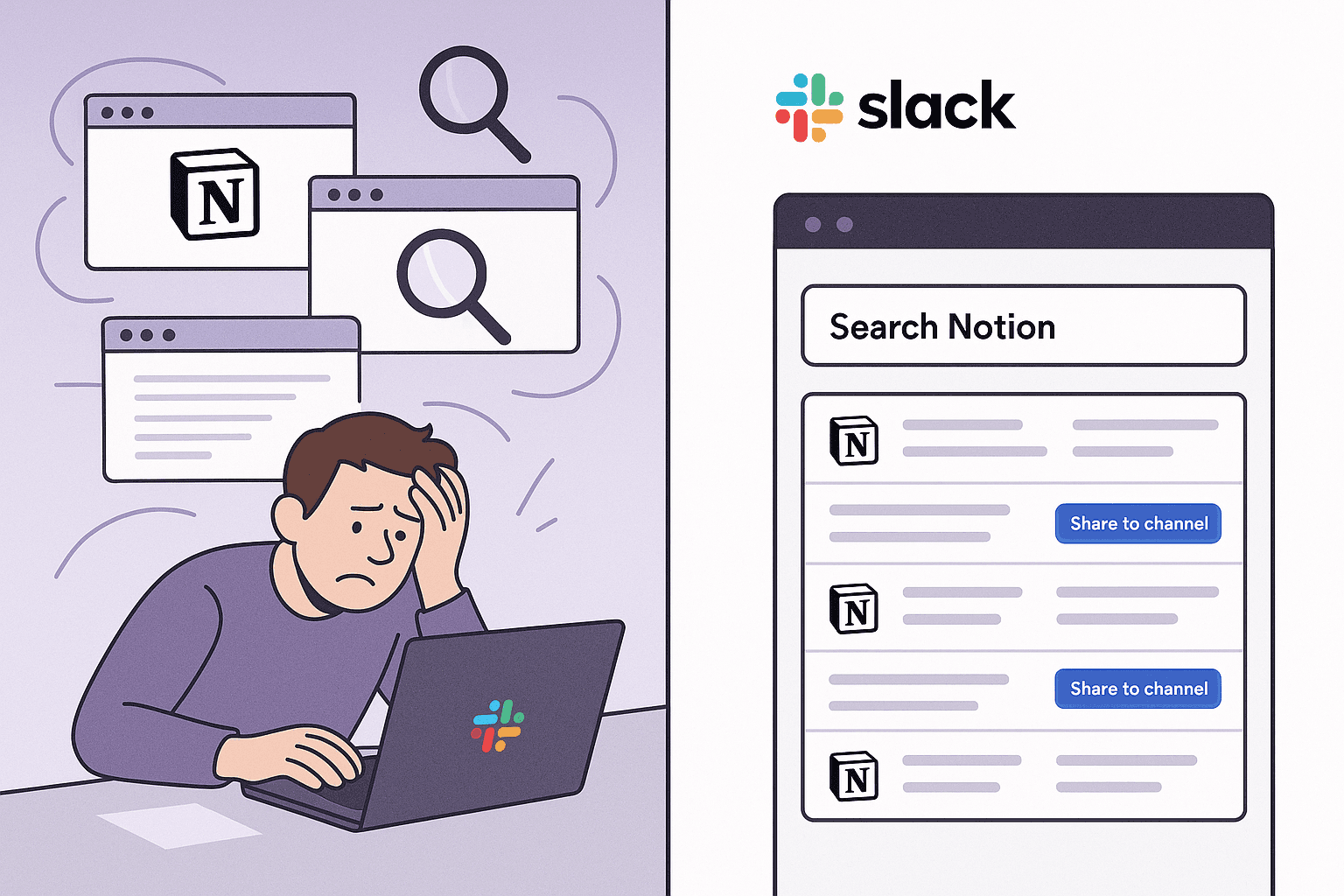
Let’s define “instant” like adults.
“Instant search” is not:
Typing in
/search, getting a useless modal, then clicking 7 timesWaiting 10 seconds while something polls an API
Instant search is:
You hit a shortcut in Slack
A search box appears on top of the conversation
You type whatever half-remembered phrase is in your head
You get the exact doc you need
You decide what to do next
The point:
You stay in the conversation while you find the context.
1.1 Slack Is Where You Talk, Notion Is Where Truth Lives
Slack is:
Fast
Messy
Amazing for decisions
Terrible as a system of record
Notion is:
Structured
Queryable
Great for long-term memory
Terrible for “I need this now while I’m speaking”
In most companies, the two worlds are connected by:
copy-paste
people DM’ing links around
heroic “Notion archeologists” digging through old docs on demand
Meanwhile, workers spend 57% of their time communicating instead of actually producing things, and a big chunk of that is literally searching for information.
Tetherly’s Slack ↔ Notion search integration exists so that:
The conversation never leaves Slack
The answers come to you from Notion
2. The Old Way: Tabs, Chaos, and a 40% Productivity Tax
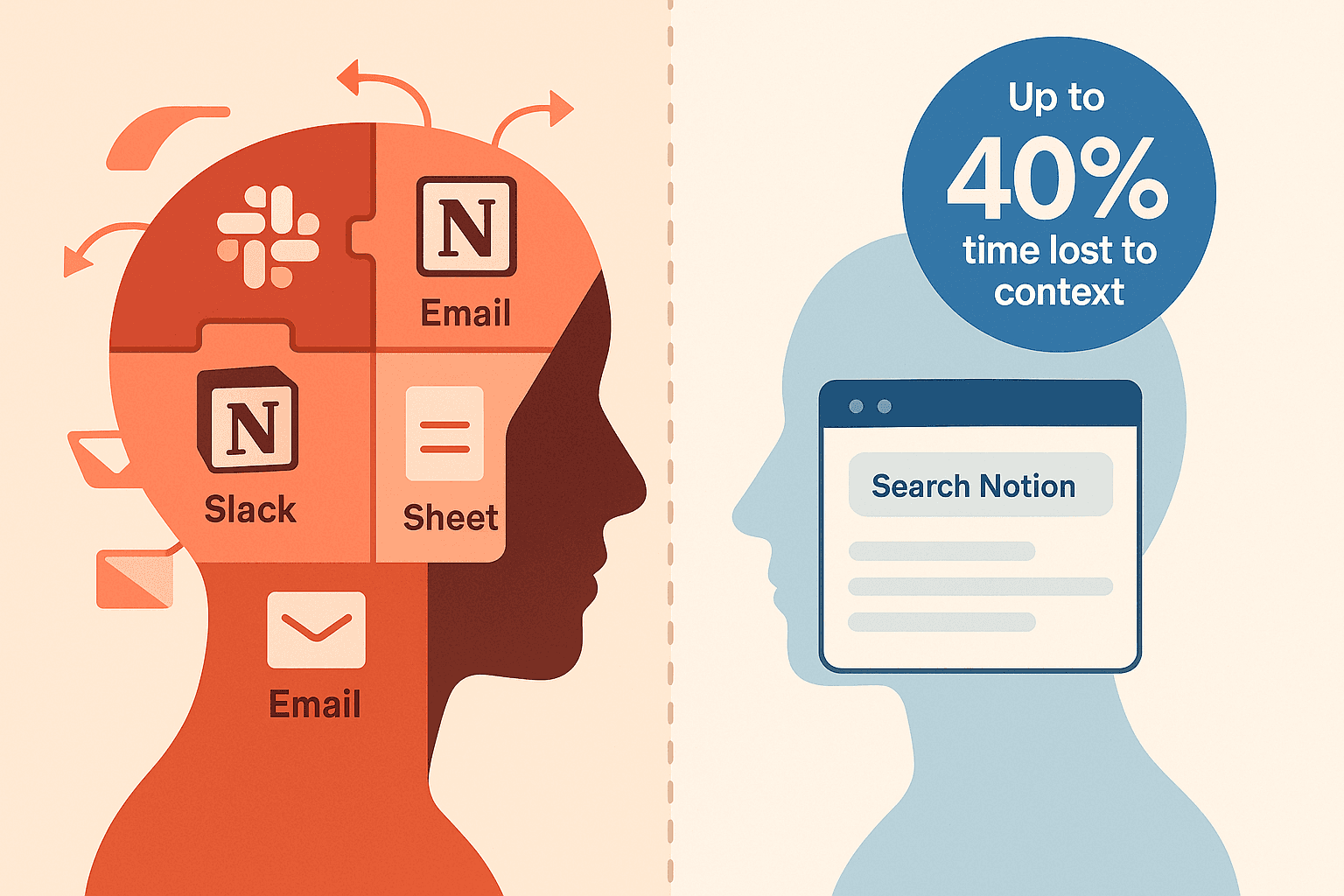
Let’s be explicit about the current hellscape.
2.1 What You’re Doing Today
The usual workflow:
Someone references a Notion page in Slack
You alt-tab to Notion
You guess the page name
You search, scroll, skim, swear, repeat
You finally find it, copy the link, alt-tab back
The conversation has gone 20 messages ahead
Do this 20–30 times a day, and congratulations: you’ve torched hours of cognitive bandwidth.
Research on context switching is consistently brutal:
Frequent context switching can eat up to 40% of productive time
Knowledge workers spend ~60% of their time on “work about work” — searching, chasing, updating, re-explaining context
That stupid alt-tab maneuver is part of that tax.
2.2 Why It’s Worse Than “Just a Mild Annoyance”
Context switching doesn’t just cost time. It hits:
Decision quality – your working memory gets wiped every time you flip tools
Speed – every small search adds friction to the discussion
Engagement – people stop volunteering docs because the process is annoying
You know this feeling:
“I could go find that spec in Notion, but I’m in a flow here. I’ll just explain it from memory.”
Now multiply that by everyone, every day.
3. The New Way: Real Notion Search Inside Slack
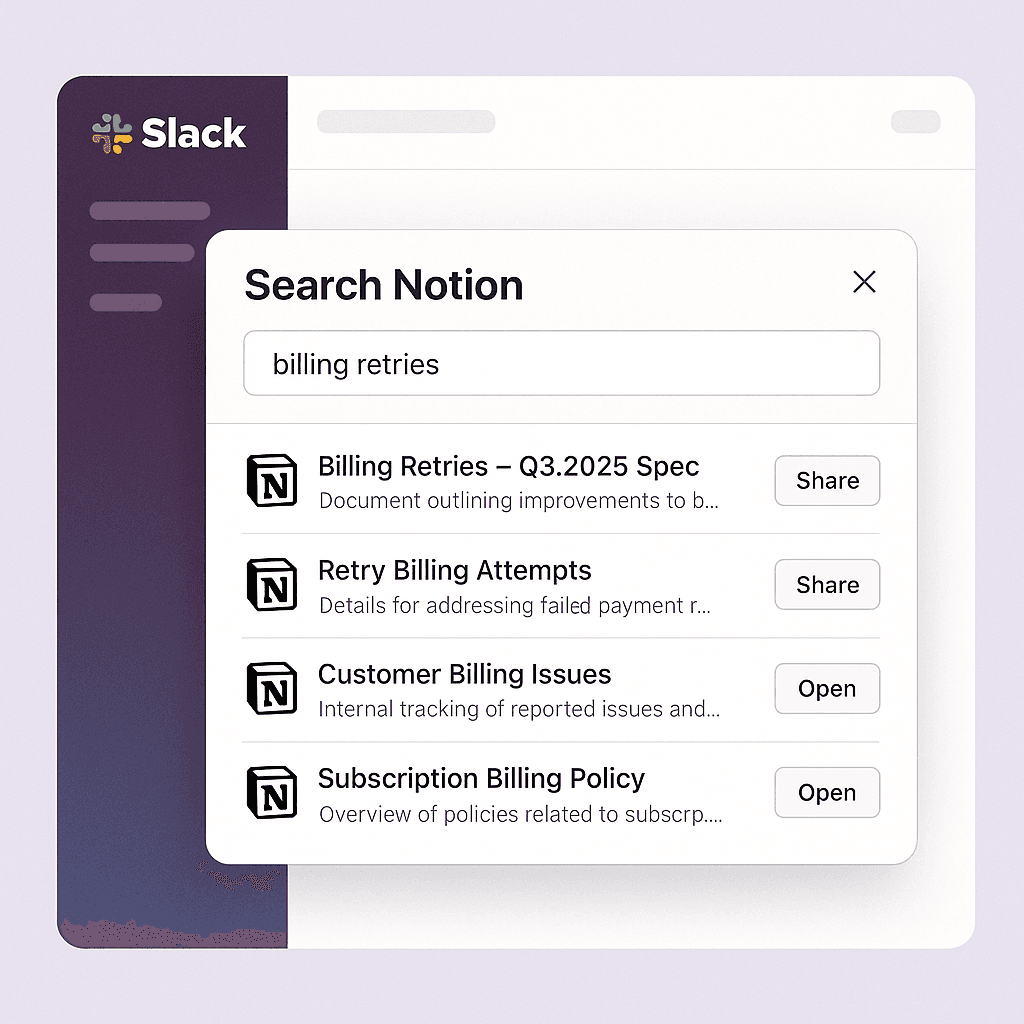
Here’s how Tetherly flips this on its head.
The TL;DR:
One shortcut in Slack → Full Notion search → Share or open → Done.
3.1 The Core Flow in Practice
Step 1 – Trigger the search from Slack
Use the Tetherly slash command (
/search-notion)Or fire it from a shortcut / message action
A search modal pops up inside Slack, not in a browser tab
Step 2 – Type what you remember, not the exact title
You can search by:
loose keywords:
qa process,churn,stripe retriesfuzzy titles:
Q3 roadmap, even if the page is called “Product Roadmap – Q3 2025 (Draft v2)”people or teams:
Acme renewal,Onboarding playbook
Step 3 – Pick what you want to do with the result
From the results list you can:
Send link – if you’re DM’ing or adding it somewhere else
Open in Notion – if you’re about to edit the doc in detail
You never leave Slack unless you want to.
4. Under the Hood: How Tetherly’s Search Stays Smart (Not Annoying)
This is where the “not just another integration” part matters.
4.1 Respecting Permissions and Workspaces
Tetherly.ai doesn’t magically bypass Notion permissions (obviously).
It:
Only shows results the requesting Slack user can access in Notion
Respects Notion workspaces and sharing settings
Can be scoped per Slack workspace if you’re running multiple Notion instances
So no, the intern in #memes cannot suddenly surface Legal’s M&A docs.
5. How Different Teams Actually Use Slack → Notion Search
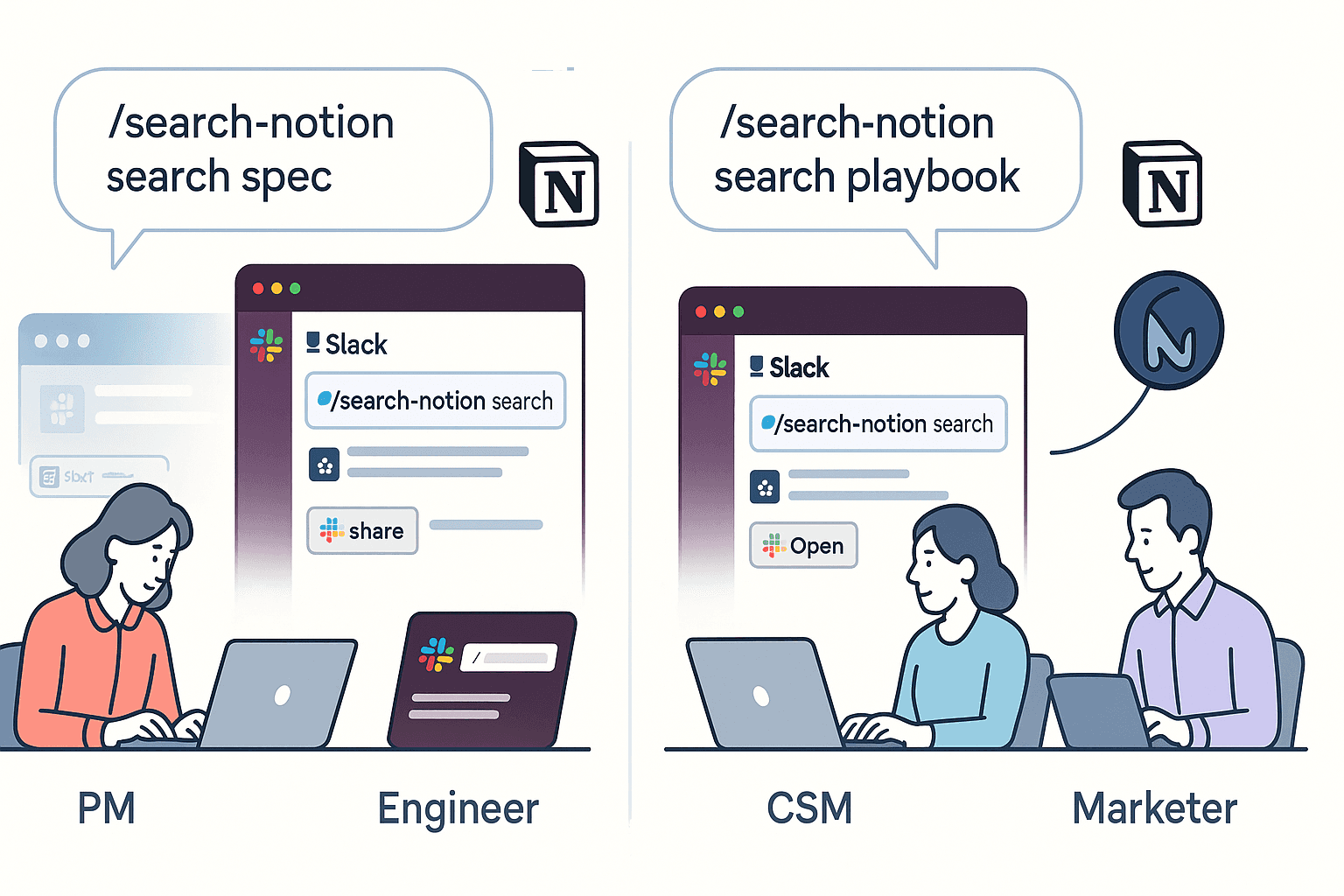
Let’s get concrete.
6.1 Product & Delivery Teams
Typical day:
Stand-up in
#standupsSomeone references “the spec we wrote for Q3 billing retries”
You type
/tetherly search billing retriesTop result: “Billing Retries – Q3 2025 Spec (v3)”
Hit Share to channel
Or:
You’re in
#incidentsresponding to an outageSearch “incident template” → open the Notion template without leaving the Slack war room
Fill it while people are typing; link it back in
End result:
Specs, incidents, and decisions come to the conversation instead of forcing the conversation to leave.
6.2 Engineering Leads
You’re in
#bugslooking at a fresh reportSearch “logging guidelines” and surface the engineering standards doc instantly
Drop it into the thread so the new hire stops guessing log formats
Or:
You’re triaging incidents
Search for the old outage by customer name “Acme”
Surface:
Last year’s incident
The bug that fixed it
The follow-up action items
All without leaving Slack.
6.3 Customer Success & Support
CS is where search either works or the whole function collapses.
Examples:
In
#cs-escalations, a CSM pings the team about a renewal at riskSearch “Acme success plan” → share the exact Notion account plan into the thread
Search “churn reasons framework” → drop the internal playbook before the debate devolves
Or:
You get a repeat complaint on latency
Search “latency comms template” and share the pre-approved response doc
Nobody is rewriting email copy from scratch in Slack at 11pm again
6.4 Marketing & Ops
Marketing:
During launch coordination in
#launch-X, you search “launch X GTM deck” and share itDuring content reviews, search “brand voice guide” when someone wants to go rogue
Ops:
In
#ops, search “SLA policy” or “incident runbook” instead of explaining it againIn
#internal-tools, search “onboarding checklist” when a new starter joins
Slack stays the control room. Notion stays the knowledge base. Search is the bridge.
8. FAQ: Slack → Notion Search Without the Hand-Waving
“What if the doc is in a different Notion workspace?”
If Tetherly is connected to multiple workspaces, admins can:
scope search to specific workspaces per Slack workspace
or allow cross-workspace search where permissions allow
You’ll only see what you already have access to in Notion. No surprises.
“Can we limit search to certain channels or teams?”
Yes.
Admins can:
enable search globally
or lock it down to specific channels / user groups (e.g.
#incidents,#leadership,#cs)
If you care about governance, combine this with your mapping and policy rules, which we walked through in the mapping article and in the pillar guide.
“What about performance? Is this going to lag?”
No polling nonsense.
Tetherly uses direct, real-time APIs between Slack and Notion; search results return as fast as Notion’s API allows, surfaced directly in Slack. (Same foundation that makes the real-time article possible — which we’re not rewriting, but you should still read.)
9. Where to Go Next
You have two options:
Keep living in alt-tab purgatory, pretending it’s “just how tools work.”
Turn Slack into a front end for your Notion brain, and let Tetherly handle the plumbing.
If you’re picking option 2 (you are):
Wire the base integration: How to Connect Slack and Notion Without Code
Make capture effortless: How to Send Slack Messages to Notion Automatically
Control data flow: How to Organize Data Flow from Slack to Notion
Keep context forever: How to Sync Slack Thread Replies with Notion (Keep Context Forever)
And when you want the higher-level, AI + real-time + notifications strategy:
AI layer: Slack Notion AI integration. How Tetherly’s AI actually works (auto fill, summaries, routing)
Real-time: Real time Slack Notion sync. Why Tetherly.ai is not a 15 minute Zap
Alerts: Notion Slack notifications without the spam: how Tetherly.ai alerts you properly
Master plan: The Complete Guide to the Slack ↔ Notion Integration (2025 Edition)
Search is just the part you feel first.
The real win is when Slack and Notion behave like one system, and you stop doing the computer’s job for it.