AI-Powered Slack ↔ Notion Integration That Works Instantly — No Code, No Setup, Just Results.
Stop wasting hours copying messages, notes, and updates. Tetherly.ai syncs Slack and Notion automatically — keeping your tools aligned, your team focused, and your ROI climbing from day one.
Your Team Loses Hours Every Week Switching Between Slack and Notion.
Tetherly.ai uses AI-driven integrations to remove repetitive low value work, boost team productivity, and turn saved time into measurable ROI.
• Can’t search or reference Notion content directly from Slack — you have to switch apps every time.
• Important Notion pages & databases are hard to find when pushing info from Slack — workflows stall on step one.
• No real-time sync — updates drip in minutes late. “Automation” feels like refresh → wait → refresh.
• Notification overload — drowning in noise while missing the signal.
• Context gets lost — Slack thread meaning disappears when messages land in Notion.
• No data-flow control — anyone can dump anything anywhere → chaos & clutter.
• Manual thread pushing — every message requires effort. The opposite of automation.
• No AI assistance — everything relies on human clicking and human memory. Slow. Error-prone. Pain.
The Harsh Reality of Today’s Slack ↔ Notion Integrations
Tetherly.ai solves every one of these — intelligently, instantly, and at scale.
Finally — A Slack ↔ Notion Integration That Actually Works.
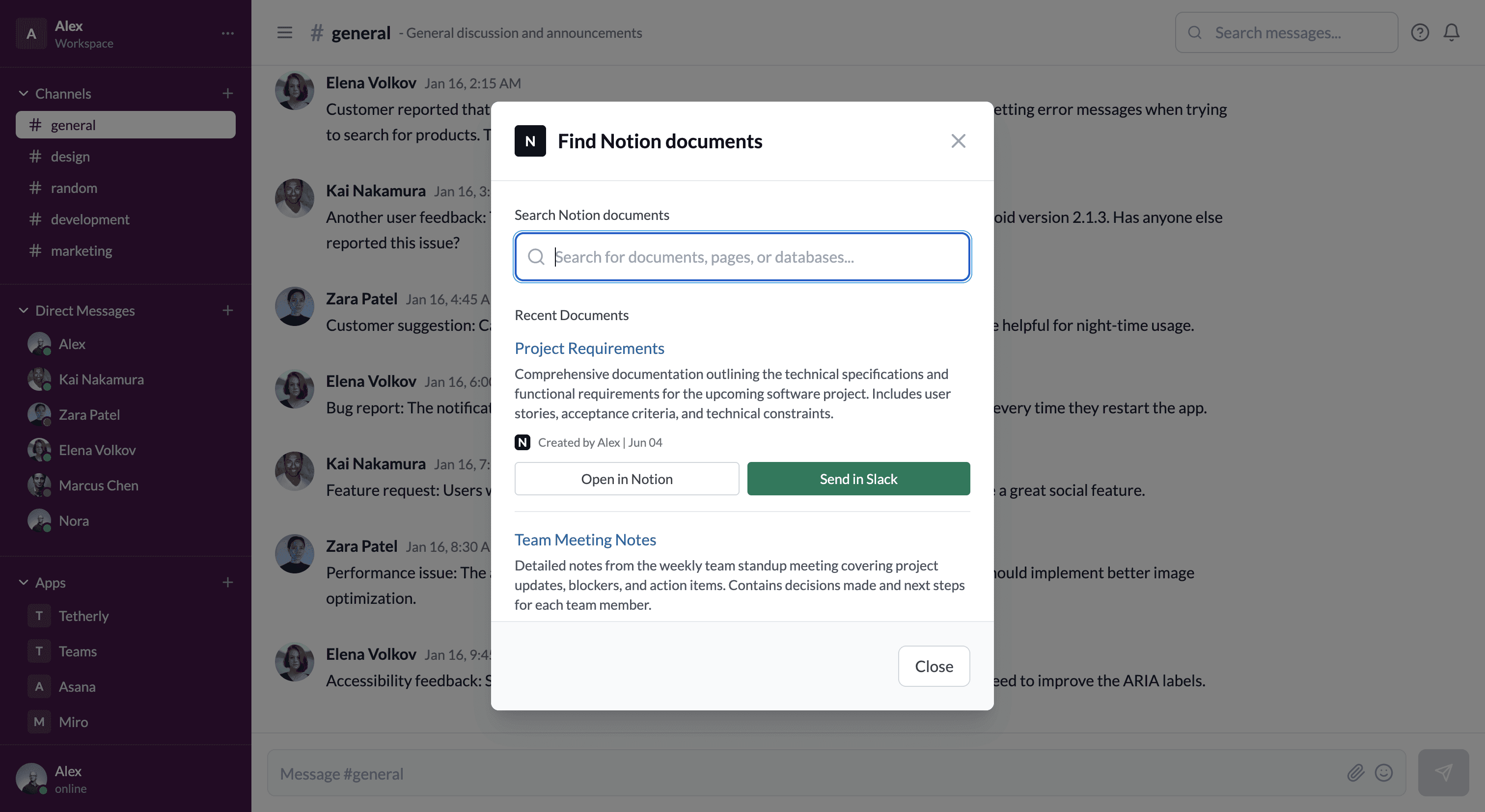
Search for Notion Pages Directly in Slack
Find any Notion page or database instantly — search, open, or share it without ever leaving Slack.
Real-Time Sync, Zero Delay
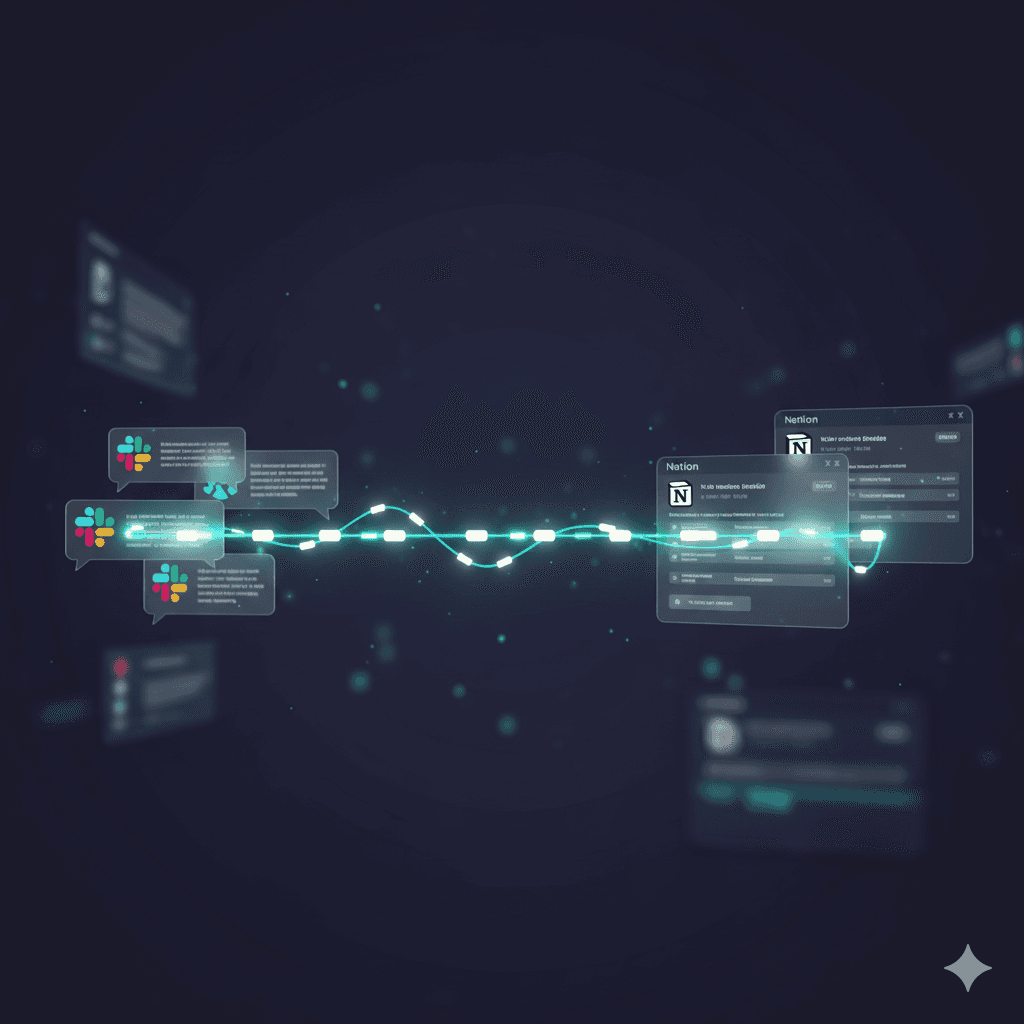
Slack messages and Notion updates stay perfectly aligned — no lag, no reloads, no missed context.
AI That Handles the Busywork
AI auto-fills fields, summarizes threads, and routes data where it belongs — your workflow runs itself.
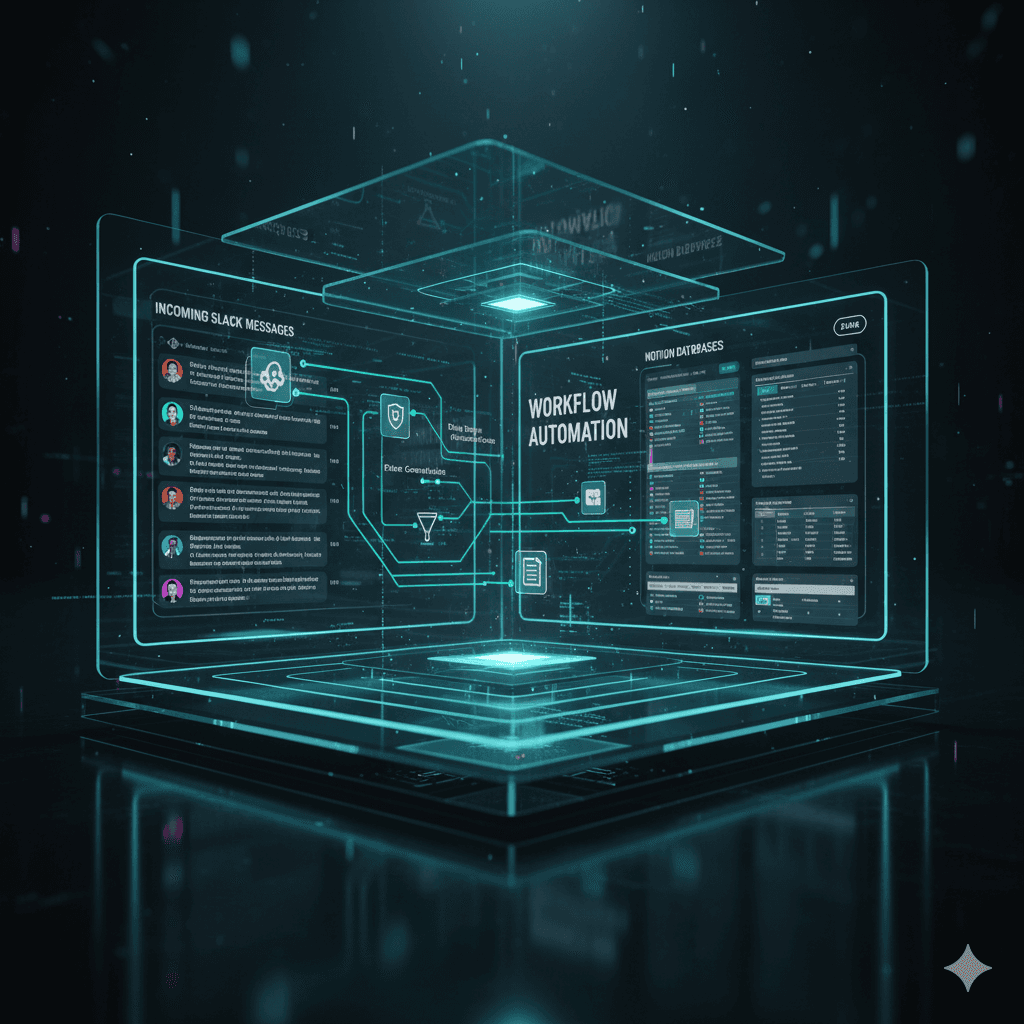
Total Control Over Data Flow
Define exactly what moves where. Every action follows your rules — map Slack channels to specific Notion pages or databases for more control over the flow of data.
Context-Rich Updates
No more orphaned notes. Every Slack comment lands in Notion with full thread history and context intact.
Noise-Free Notifications
Only the updates that matter. Decide what you want to be notified about and only get those updates.
Always-On Reliability
Tetherly.ai never blinks — your sync keeps running, even when you’re offline.
How Tetherly Works — AI Simplicity That Drives ROI
No engineers. No coding. No onboarding calls. Just connect and go.
We’ve Got the Answers You’re Looking For
Quick answers to your AI automation questions.
Can I search for my Notion docs in Slack?
Is the Slack - Notion integrations real-time?
Can I control the flow of data from Slack to Notion?
Can I decide what I want to be notified about?
How does AI help with the Slack - Notion integration?
Can I sync multiple replies from the same thread without losing the thread context in Slack?
Stop Wasting Hours Copying Work Between Slack and Notion
No setup. No learning curve. No busywork. Only instant ROI.