Product
Nov 9, 2025
The Complete Guide to the Slack ↔ Notion Integration (2025 Edition)
The Complete Guide to the Slack ↔ Notion Integration (2025 Edition)
The Problem: Where Slack and Notion Fall Apart
Slack keeps your team talking.
Notion keeps your team organized.
But somewhere between those two, your context disappears.
Common user frustrations:
Lost knowledge: Conversations in Slack vanish under endless threads.
Junk in Notion: When everything is dumped into a page, you get chaos instead of structure.
Lag & sync delays: Existing integrations aren’t real-time — updates crawl in after the fact.
Manual setup hell: Zapier and Make automations break whenever your structure changes.
Zero control: Admins can’t define where data flows, so information spreads everywhere and nowhere.
“I spend more time connecting Slack and Notion than actually working in them.” – A sentiment from dozens of Reddit threads.
Why Existing Slack ↔ Notion Integrations Aren’t Enough
Limitation | What It Causes | User Impact |
|---|---|---|
One-way sync | Messages → Notion only | Lost context |
Manual setup | Requires Zapier / Make | Time wasted |
No admin mapping | Anyone can send anything | Junk data |
Delayed updates | No real-time sync | Missed notifications |
No search | You can’t find Notion docs from Slack | Constant tab-switching |
No AI | Everything is done manually | Biggest waste of time |
Can't sync replies | Every comment needs to be manually pushed | Another big waste of time |
Thread context is lost | No context of the original thread - only the comment pushed | Not enough context to understand why someone said what they said |
Introducing Tetherly’s AI-Powered Slack ↔ Notion Integration
1. Search Notion Docs Directly from Slack
Stop digging through tabs. Use a simple keyboard shortcut in Slack to instantly search, preview, and share Notion docs — or open them in Notion.
2. Control Data Flow with Smart Channel Mapping
Admins can map Slack channels to specific Notion pages or databases.
Finally, you decide where data goes — and where it doesn’t.
3. One-Click Data Push (with Emoji Magic)
Click “Send to Notion” or use a pre-configured emoji. The AI auto-fills fields for you, saving time and typos.
4. Real-Time Sync — Zero Lag
Unlike other tools, Tetherly updates instantly. Threads, messages, and data sync between Slack and Notion in real time. No waiting, no refresh.
Sync Slack Thread Replies Automatically
Every new reply under a Slack message gets mirrored as a Notion comment until you turn it off. Context stays intact.
6. Custom Notification Rules
You decide what notifications matter. Enable defaults or create custom AI-driven triggers — because nobody needs 400 pings a day.
7. AI-Filled Modals That Know What You Need
Every modal comes pre-filled by AI with the right fields, tags, and context. Push data to Notion in one click — without thinking about it.
8. Context That Never Dies
Every Slack message keeps its thread history, summarized by AI, when sent to Notion. The story stays with the data.
How Teams Will Use Tetherly
Tetherly is built for the people who keep small and mid-sized companies running — founders, chiefs of staff, PMs, devs, design leads, and marketing teams who live in Slack and Notion all day.
💼 Founders & Chiefs of Staff
Capture key updates, decisions, or meeting notes directly from Slack — automatically organized in Notion for quick access later.
🧠 Product & Project Managers
Turn feedback threads into actionable tasks with full context, so nothing gets lost between “decide” and “done.”
🧑💻 Developers & Design Leads
Log bugs, design discussions, or feature ideas right from Slack. Every detail is preserved and searchable in Notion.
📈 Marketing & Operations Leads
Push campaign updates, creative briefs, or team requests into Notion with one emoji reaction — and no clutter.
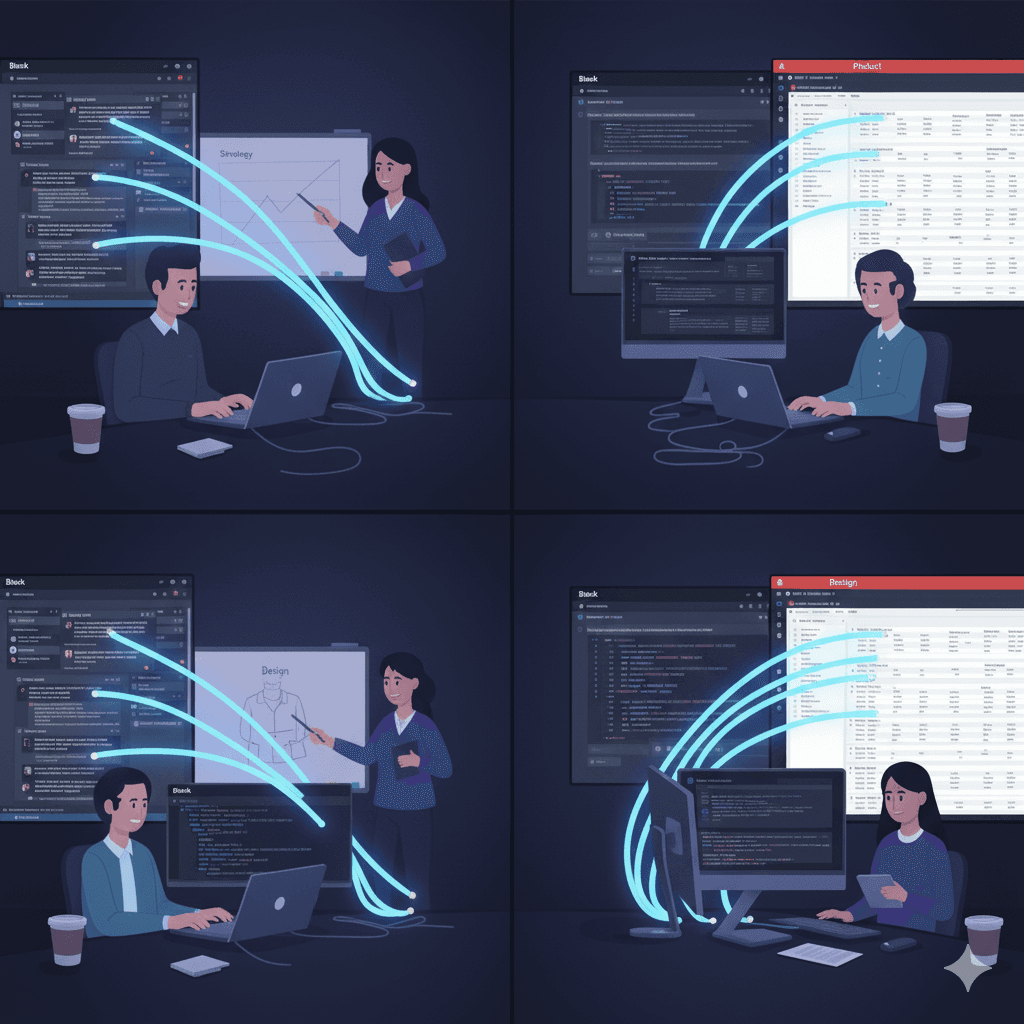
Set It Up in Under 2 Minutes
It’s genuinely that simple.
Install Tetherly’s Slack ↔ Notion integration, go through the quick onboarding, and you’re fully done in under two minutes.
Everything works straight out of the box. No scripts. No zaps. No lag.
Why SMB Teams Will Love It
Fast-moving teams don’t need more complexity — they need smarter connections.
What to expect:
⏱️ Save 10+ hours per week once live
🧩 Fewer cleanup headaches in Notion
⚡ 100% real-time sync — no delay
🤖 Less context-switching thanks to AI summaries
The Future of Workflows: Slack ↔ Notion Is Just the Start
This integration is the first step in a much larger mission: connecting every tool that drives modern work, powered by AI.
Soon, your data will move between apps effortlessly, with full context and control.
“Tetherly.ai connects tools so humans can focus on thinking, not syncing.”
Join the Early Access Program
👉 Get Early Access Today
See how the next generation of Slack ↔ Notion integration can transform your workflow. Join the waitlist right now!