Product
Jan 19, 2026
Tetherly.ai vs the native Notion↔Slack integration: What You Get (and What You Don’t) | Tetherly.ai
Tetherly.ai vs the native Notion↔Slack integration: What You Get (and What You Don’t) | Tetherly.ai
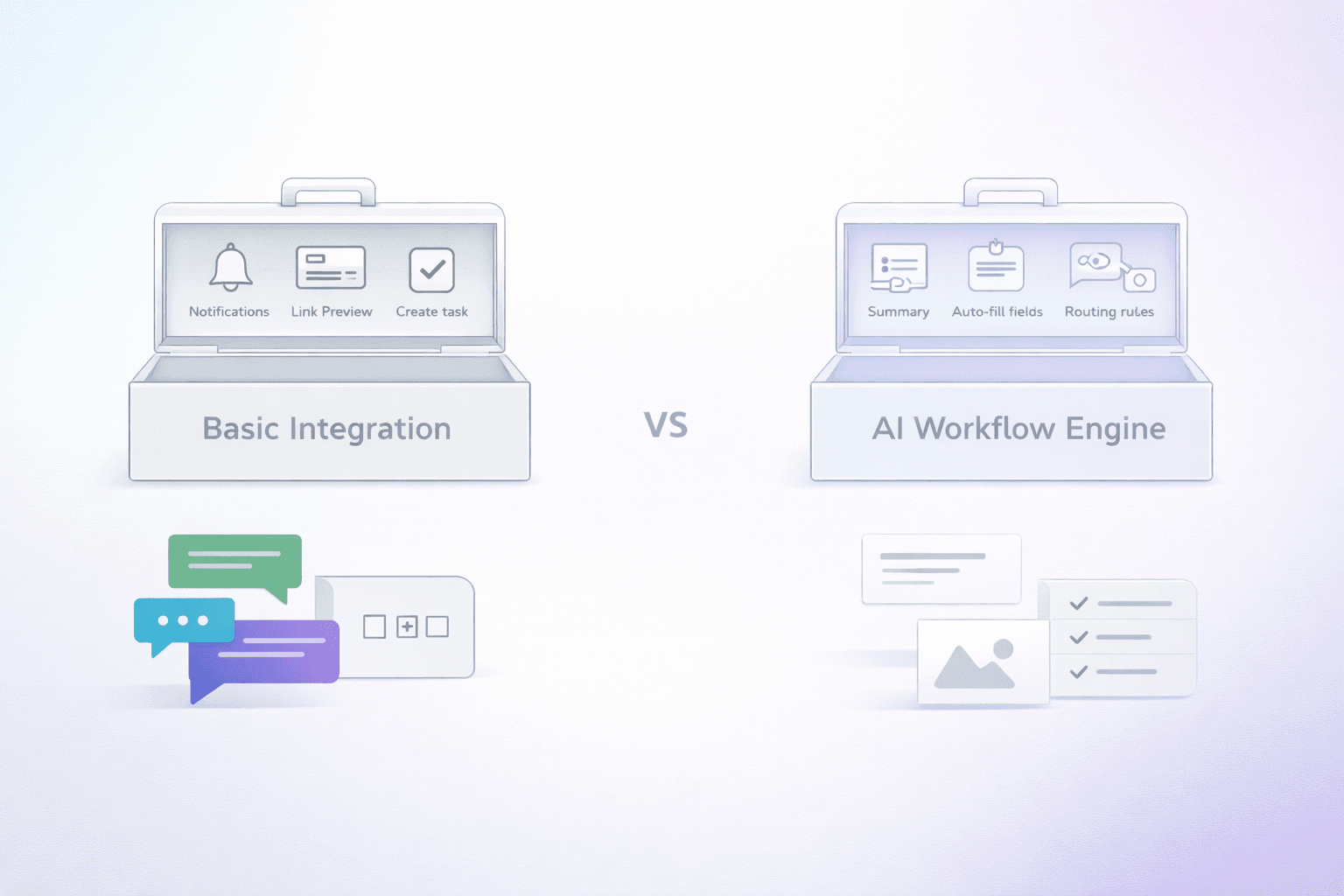
Native Notion↔Slack integration vs Tetherly.ai: convenience vs an actual system
Notion’s native Slack integration is good—for what it is:
send a Slack message into a Notion database
create tasks from Slack
Slack notifications for Notion activity
link previews (when sharing Notion docs)
If that’s all you need, stop reading and go enjoy your day.
If you need thread-level context, continuous syncing, routing rules, field filling, and searching Notion from Slack like it’s one tool—native isn’t built for that.
What the native integration can do (the actual feature list)
1) Create Notion pages from Slack (/notion create)
You can create database items and add properties.
But Notion explicitly states: /notion create works at the channel level, not inside Slack threads.
2) Create Notion tasks from Slack (/notion task)
Same story: task creation is supported, but /notion task also doesn’t work inside Slack threads.
3) Slack notifications from Notion
Notion supports Slack notifications and database automations that send Slack notifications based on triggers like “Page added” or “Property edited.”
4) Share Notion links in Slack with rich previews + AI summaries
Notion’s Slack integration overview calls out link previews that expand with useful info and AI summaries.
5) Slack Workflow Builder templates with Notion
Slack’s marketplace listing shows Workflow Builder templates for Notion, and notes Workflow Builder is paid plans only.
6) Notion AI Connector for Slack (separate feature)
Notion also offers an AI connector that brings Slack conversations into Notion AI—Business/Enterprise only per Notion’s help doc.
The native gaps (where teams actually feel pain)
1) Threads: the dealbreaker
Native commands don’t work in threads. Notion says it plainly.
Slack threads are where:
incidents are handled
customer escalations get resolved
product decisions happen
So if threads are your reality, native is a partial solution by definition.
2) No continuous reply sync
Native can capture a message/task and send notifications, but it’s not described as a system that keeps mirroring thread replies into a single Notion page until you stop it.
3) No routing rules that prevent junk
Native doesn’t give you an admin “map channel → database/page” rules engine that guarantees data goes to the right place and nowhere else (the thing that stops Notion from turning into a landfill).
4) No AI slot-filling for your schemas
Native can help with previews and summaries, but it’s not “AI reads this Slack thread, creates the right Notion record, and fills your database fields automatically.”
Why Tetherly is the upgrade (and not a “nice to have”)
Tetherly is designed around one premise: context is the asset—and Slack is where it’s born.
1) AI thread summaries (context preserved)
AI writes the “story so far” when the page is created, so the Notion record is usable instantly.
2) AI slot-filling (fields auto-populated)
AI extracts key fields into Notion so humans aren’t doing manual updates while pushing data.
3) Rules-based routing (channel → Notion DB/page mapping)
Admins define mapping rules so the system routes correctly and avoids junk creation.
4) Continuous thread reply sync until you stop
Tetherly describes syncing new replies into Notion comments and keeping it going until you turn it off.
5) Search Notion from Slack
Search, preview, and share Notion docs from Slack.
Native vs Tetherly: who should choose what?
Choose native if:
You only need quick capture + notifications + link previews, and you can live without thread support.
Choose Tetherly if:
Threads matter, routing matters, and your Notion database needs structure with AI doing the busywork.